
Vault Audit Logs
From the Admin > Logs area in Vault, you can view a history of actions within your Vault, including actions performed with the Vault Java SDK. You can learn more about the Vault Admin Logs in Vault Help
System Audit History
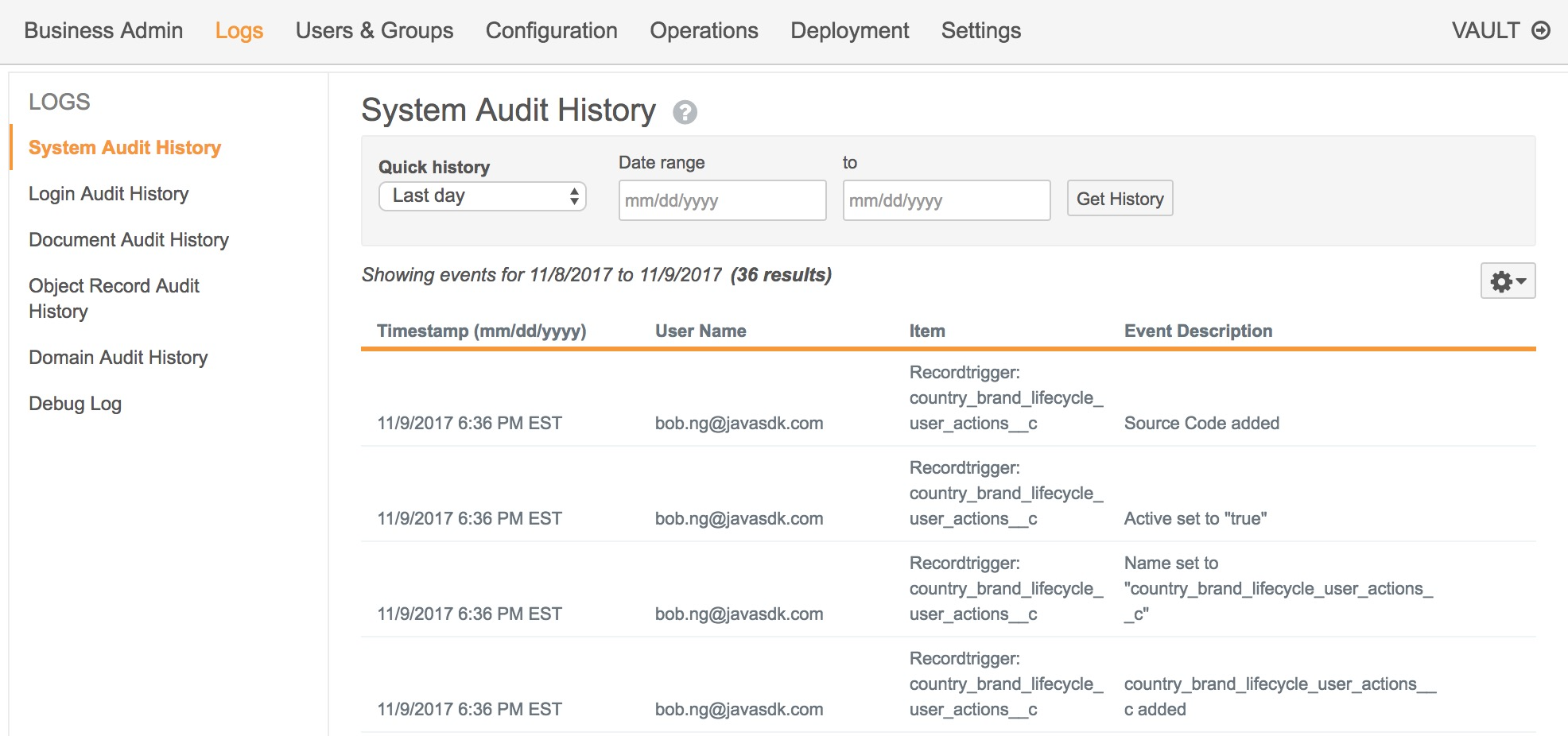
Section link for System Audit HistoryThe System Audit History page displays Vault-level configuration and settings changes, which includes managing Vault extensions. For example, uploading a new trigger to your Vault.
Object Record Audit History
Section link for Object Record Audit HistoryRecords affected by triggers indirectly through the use of the RecordService have an audit entry identifying the change with System on behalf of the user initiating the request. This allows an Admin to audit changes which may not have been directly manipulated by users, but rather by code in triggers. When a user delegates access to another user, the audit will show Java SDK Service Account on behalf of the delegating user.
In addition, when a workflow starts indirectly by code, the audit log will also indicate Java SDK Service Account on behalf of the user initiating a request. This is important because a user may create a new record that fires a trigger to start a workflow. In this case, the end user did not start a workflow, they created a new record. The audit log would then indicate that the Java SDK Service Account started the workflow on the user's behalf.
Document Audit History
Section link for Document Audit HistoryThe Document Audit History page displays document-related events, including events triggered through the Vault Java SDK. Documents affected by Vault extensions through the use of DocumentService have audit entries identifying the change with Java SDK Service Account on behalf of the user initiating the request. When a user delegates access to another user, the audit will show Java SDK Service Account on behalf of the delegating user.