
Authenticating to Vault
There are two ways to authenticate to Vault using the Vault Toolbox plugin. From the Vault Toolbox plugin in IntelliJ IDEA, you can select one of the following authentication methods:
- Basic: Prompts for the Vault DNS and a combination of your username and password.
- Session: Prompts for the Vault DNS and an active session ID.
This guide explains how to log into Vault using either authentication method, how to save your Vault credentials to expedite the process for future logins, and log out of Vault Toolbox.
Basic Login
Section link for Basic LoginA basic login uses your Vault user name and password.
To authenticate using basic login:
- In IntelliJ IDEA, open the Vault Toolbox plugin from the righthand sidebar.
- Select the Vault Info (
) tab. - Select the Basic tab.
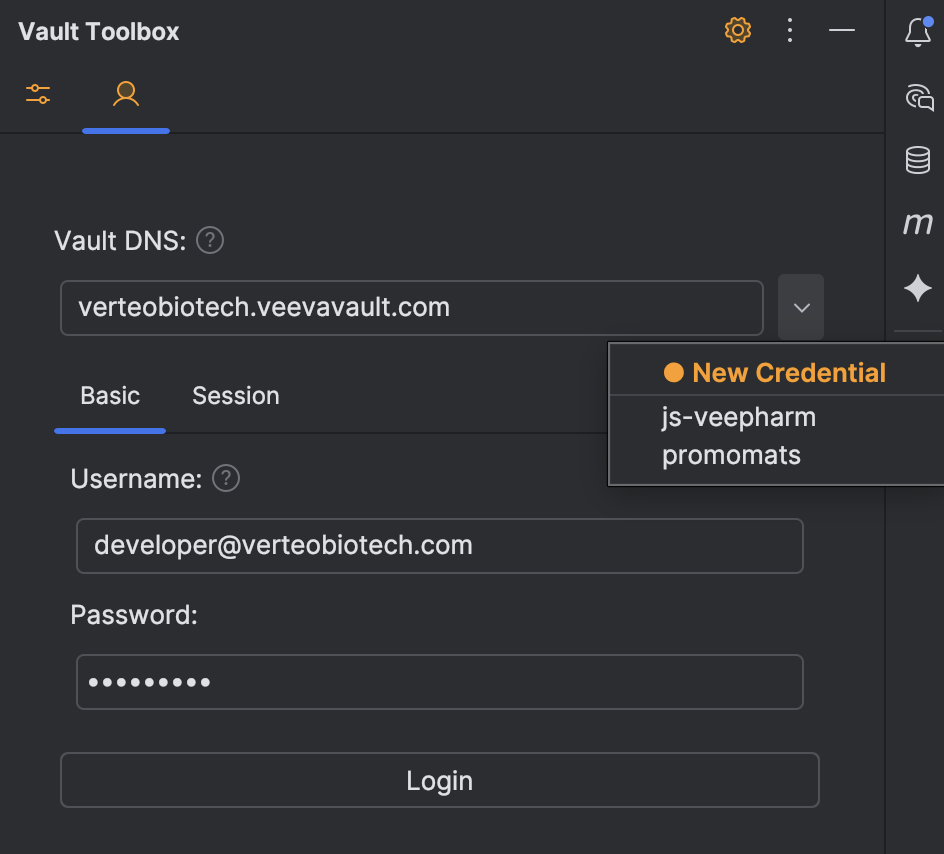
- Enter your Vault DNS, Username, and Password. Alternatively, click
to load a saved credential. 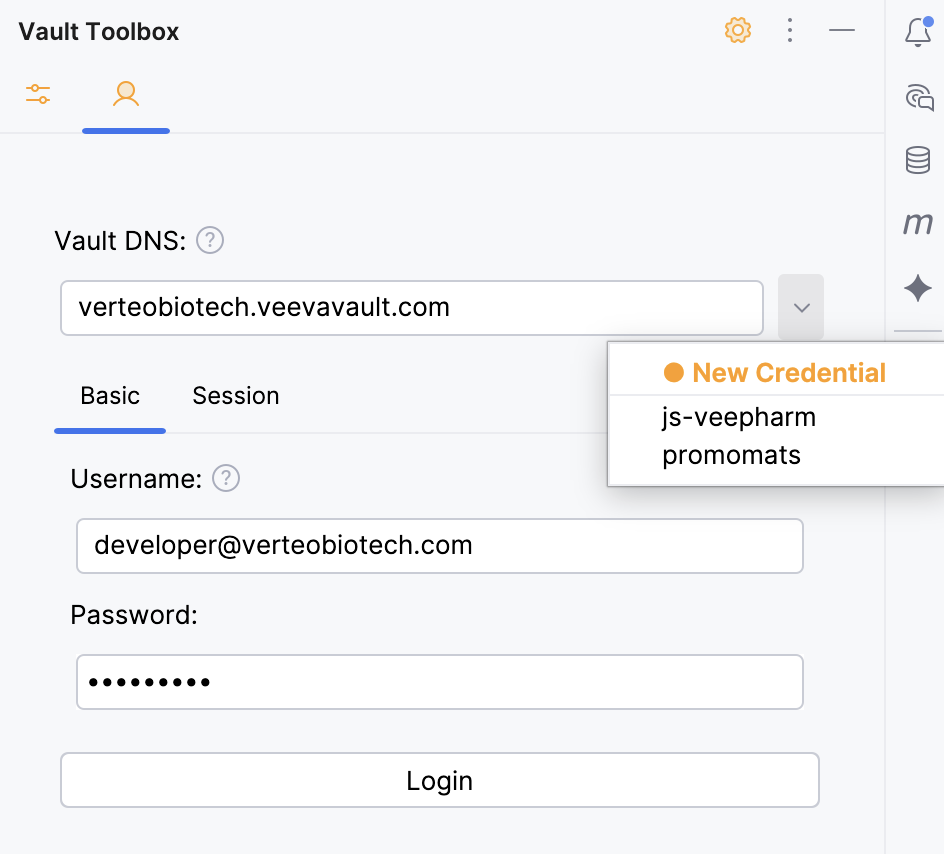
- Click Login. At the bottom of the panel, Vault Toolbox prompts you to save these credentials.
- Optional: Click Yes to save these credentials. Provide a Credential label and click Save.
Session Login
Section link for Session LoginSession login allows you to log into Vault Toolbox with an active session ID.
To log in using an active Vault session ID:
- In IntelliJ IDEA, open the Vault Toolbox plugin from the righthand sidebar.
- Select the Vault Info (
) tab. - Select the Session tab.
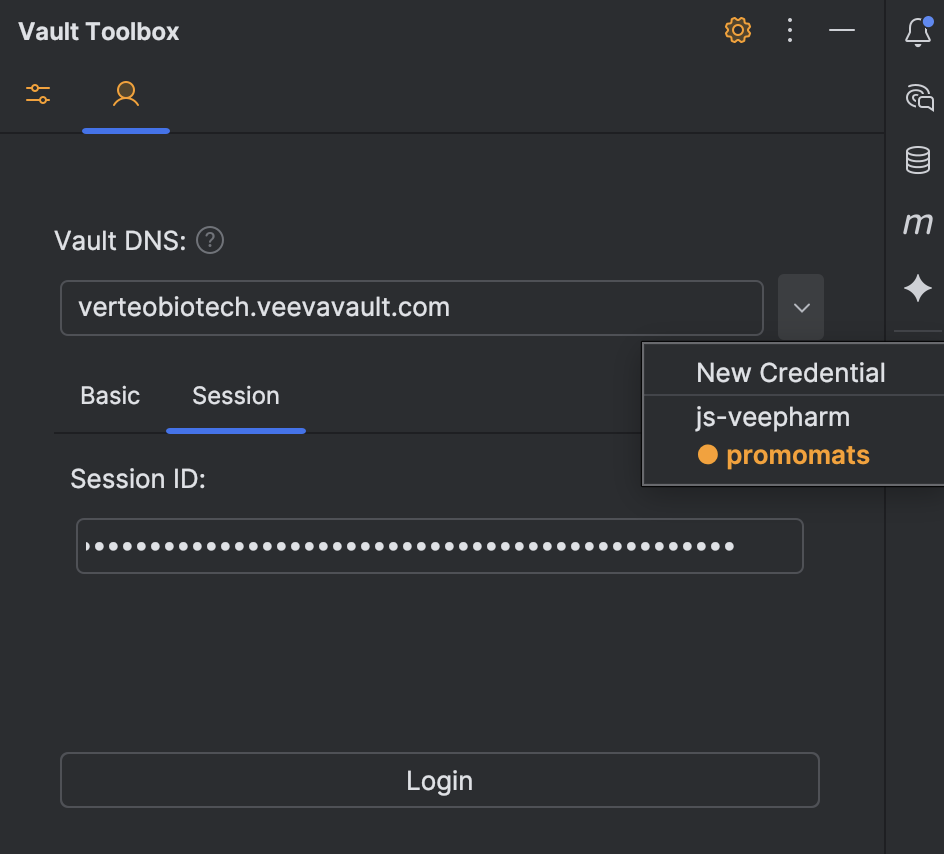
- Enter your Vault DNS and Session ID. Alternatively, click
to load a saved credential. 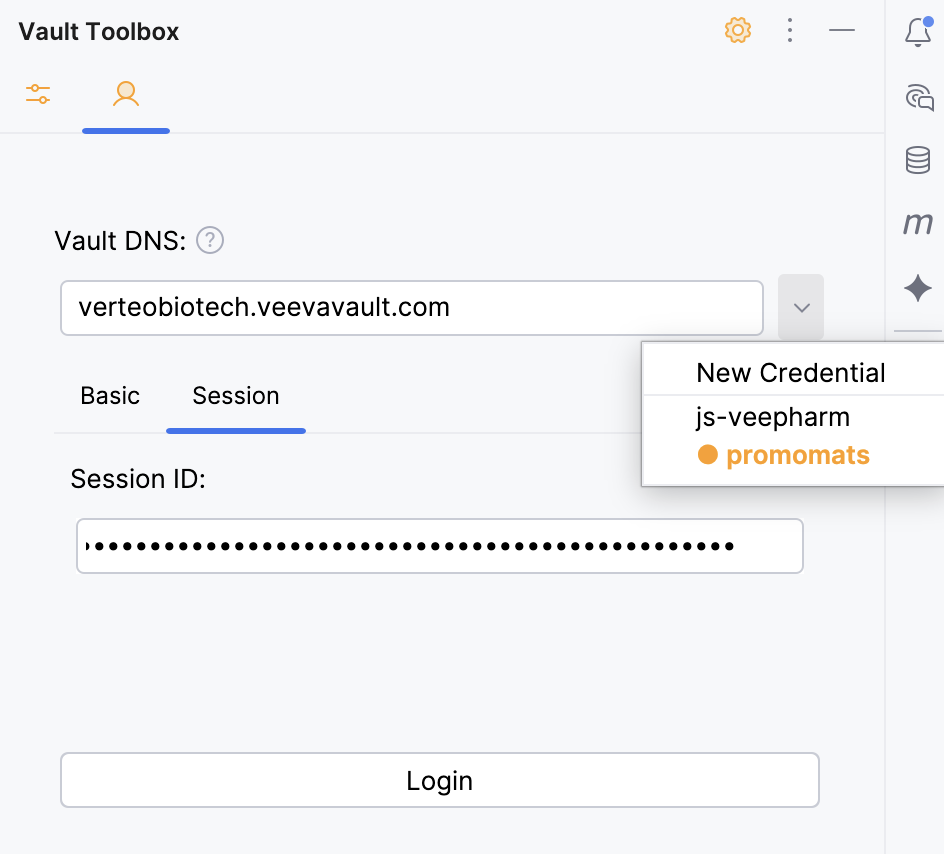
- Click Login. At the bottom of the panel, Vault Toolbox prompts you to save these credentials.
- Optional: Click Yes to save these credentials. Provide a Credential label and click Save.
Logging Out
Section link for Logging OutTo log out of Vault Toolbox and end your session:
- In IntelliJ IDEA, open the Vault Toolbox plugin from the righthand sidebar.
- Select the Vault Info (
) tab. - Click
at the bottom of the panel to log out.