
Gemini CLI Setup
This section outlines how to connect the Vault Docs MCP to Gemini CLI. You must have Gemini CLI installed
To add the Vault Docs MCP:
-
Run the following command from the terminal. Refer to the Gemini CLI documentation
for additional options and information. gemini mcp add --transport http vault-docs-mcp https://docs.veevavault.dev/mcp
-
Launch Gemini CLI by entering
geminiin the terminal. -
Type
/mcpto list available MCP Servers.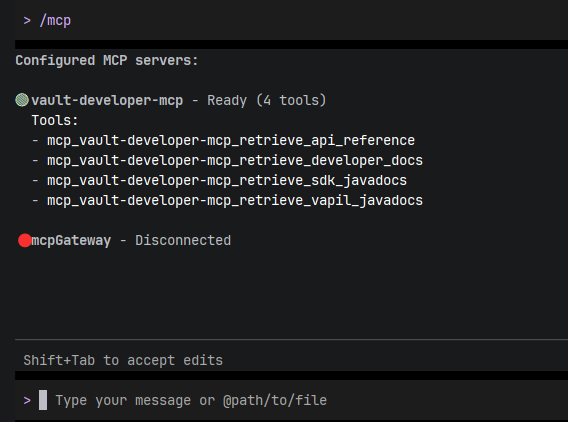
-
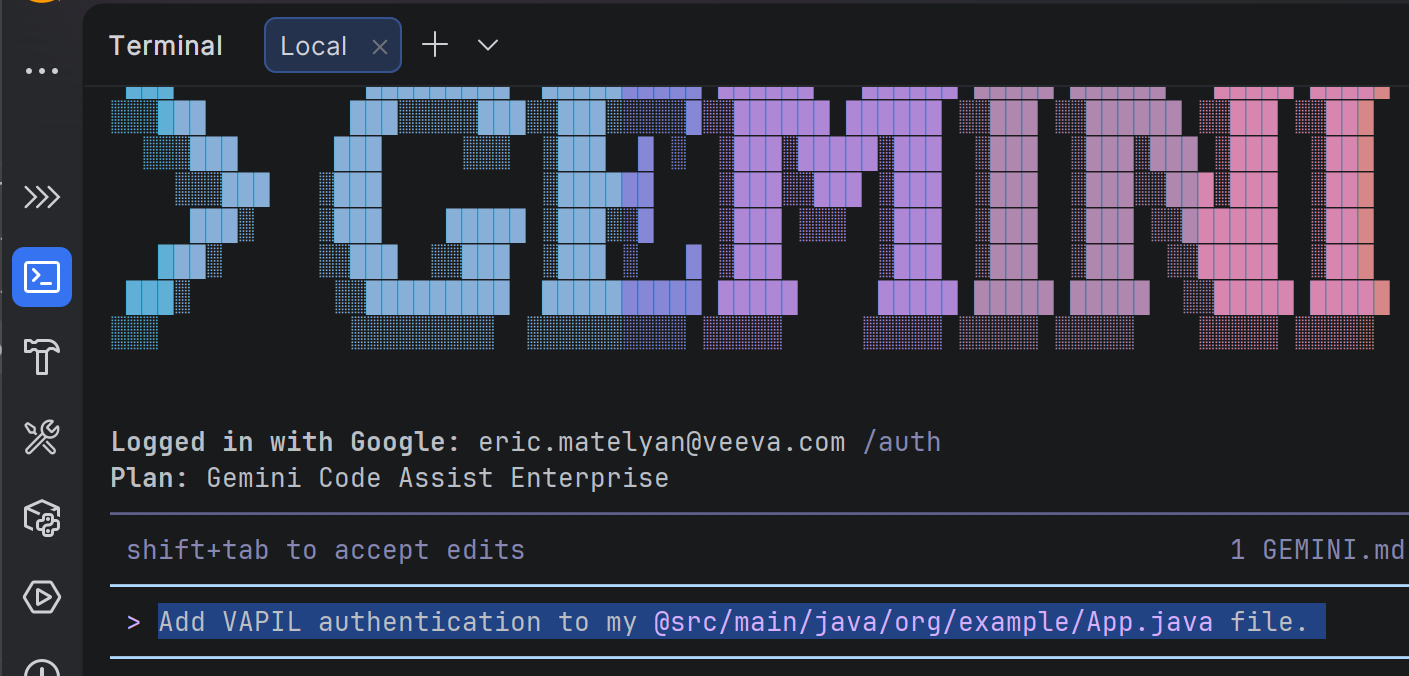
Ask a Vault-related question. Gemini will automatically call the Vault Docs MCP and appropriate tool based on the context of the question. See Formatting MCP Queries for best practices.
Congratulations, you've successfully connected the Vault Docs MCP!